
From Detection to Resolution in No Time: Introducing Autofix
4. 2. 2026 • 3 min read
Validated: Apr 2026
From Detection to Resolution, Seamlessly
From the very beginning, our goal has been to help you fight technical debt more effectively. That means not only detecting issues but helping you fix them quickly and confidently. To reduce repetitive, time-consuming work, we’re launching Autofix, a new feature designed to help you go from issue detection to issue resolution in just a few clicks.
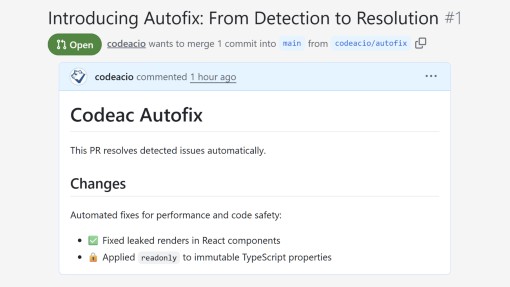
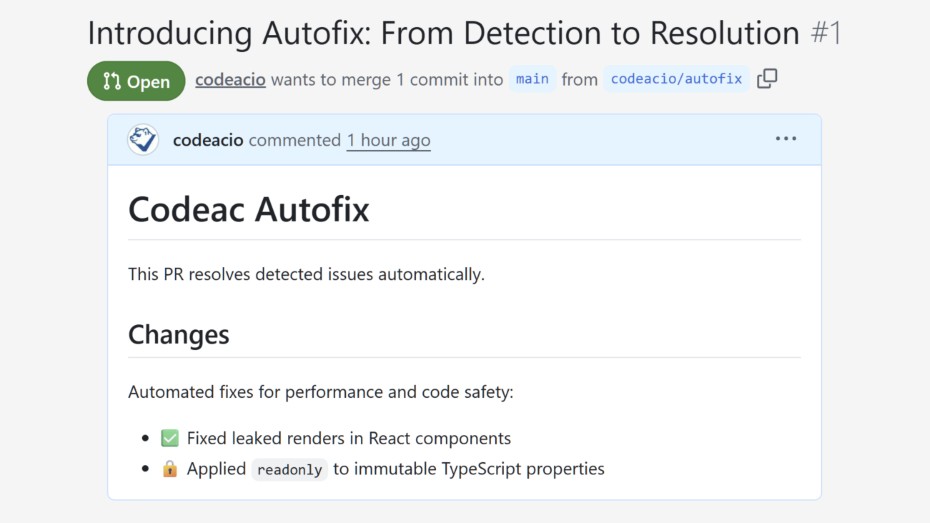
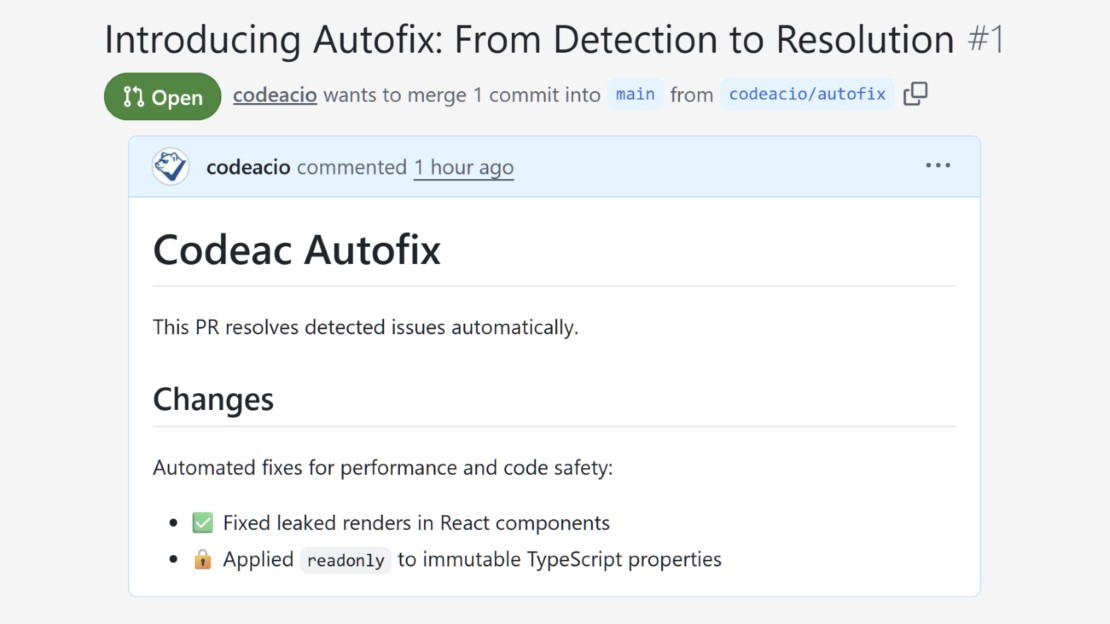
Keeping your codebase clean and healthy has never been easier. Autofix creates ready-to-review pull requests with suggested fixes for selected issues directly in Codeac’s interface. No need to switch context, manually edit files, or worry about missing something. Just review, confirm, and merge.
What Autofix Can Fix and Why It Matters
Autofix isn’t just about style; it’s about automating meaningful improvements that make your code more reliable, modern, and maintainable.
⚙️ Improve Performance and Readability in React
For React projects, Autofix can resolve issues like:
Preventing leaked renders – ensuring JSX conditional expressions render only the intended components, avoiding accidental display of unexpected values like 0, NaN, or strings.
Clarifying JSX expressions – making conditional rendering explicit to prevent subtle bugs and improve code readability.
These adjustments make your UI more predictable and performant.
🔒 Strengthen Code Safety in TypeScript
In TypeScript projects, Autofix can apply powerful best practices such as:
Marking properties as readonly when they are never reassigned (prefer-readonly rule). This helps prevent accidental mutations, making your code more robust and easier to reason about.
Combined with other modernizations like replacing legacy constructs or simplifying expressions, Autofix helps you keep your codebase stable, modern, and easy to maintain, all in a few clicks.
Currently, Autofix is available for JavaScript and TypeScript, with support for more languages and rule sets on the way. If there’s a particular language or rule family you’d love to see next, reach us at support@codeac.io.
How to Use Autofix
Step 1: See if Your Code Contains Fixable Issues
When your analysis includes fixable issues, Codeac displays an Autofix banner with an option to view the available fixes. Click Show diff to preview the suggested changes.

Step 2: Review Available Fixes
After clicking Show diff, a modal appears where you can:
- Review all proposed changes
- Set a pull request title
- Choose a source branch name (the target branch will match the one currently open in Codeac).
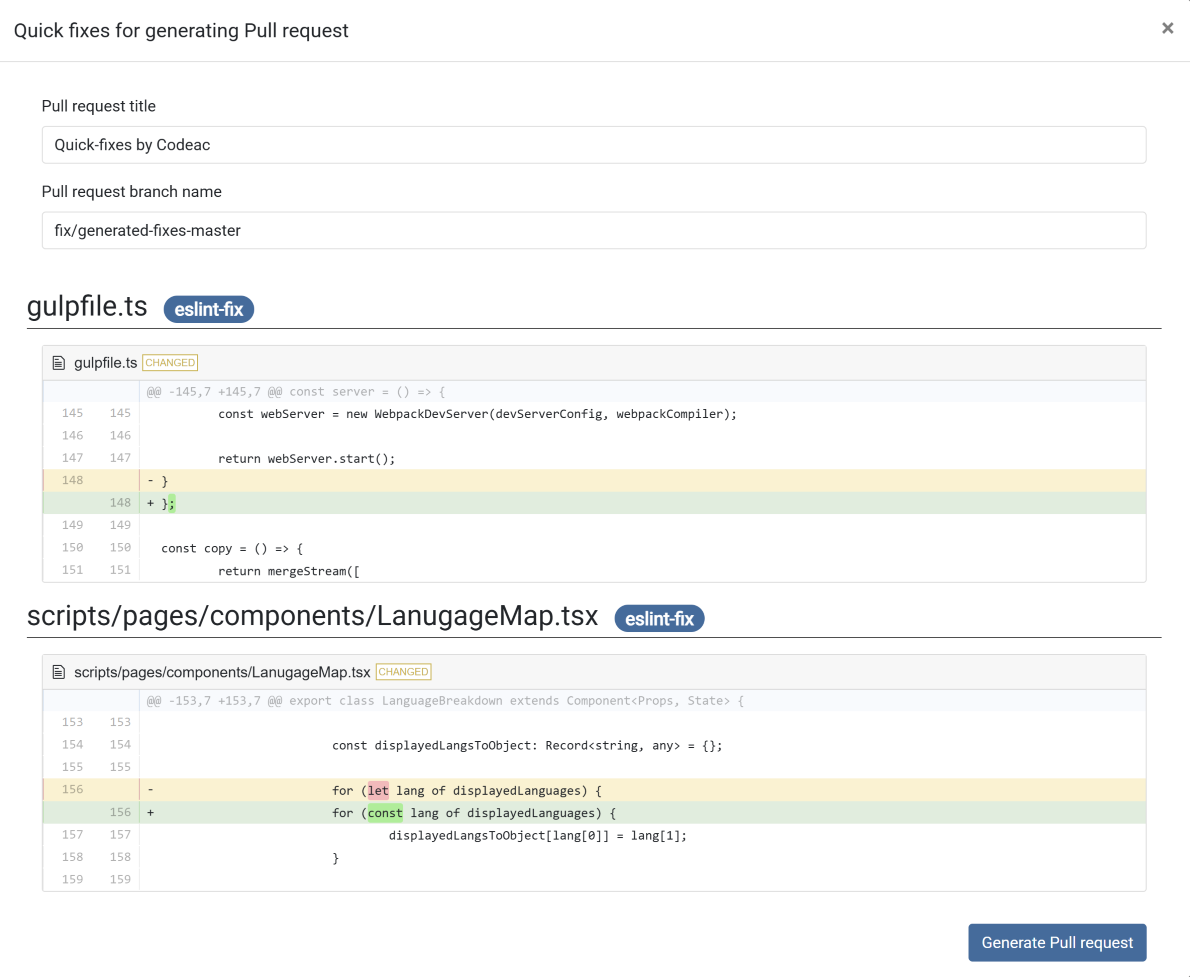
Step 3: Generate the Pull Request
Once you’re satisfied with the changes, click Generate Pull Request. Codeac will automatically create a new pull request in your repository, ready for your team to review and merge.
Keep Your Codebase Healthy Without the Hustle
Autofix helps you resolve issues faster, stay consistent, and keep your codebase clean, all with minimal effort.
By automatically preparing pull requests with suggested fixes, Codeac reduces repetitive work and helps your team stay focused on building great software.
We’re excited to hear what you think! Your feedback helps us make Codeac even better. Reach us anytime at support@codeac.io.