
Autofix
Codeac's Autofix allow you to automatically generate a pull request to fix issues in your code directly from the Codeac UI with just a few clicks.
Reliable Code Changes: Codeac does not use LLMs to generate code changes. All fixes are generated exclusively by industry-standard linters (see the full list below). We use LLMs to generate the Pull Request description only; this data is never used for model training and never leaves our secure AWS infrastructure.
Fixable Issues
If your code contains fixable issues, Codeac will display a banner with an option to view the available fixes. Click Show diff to preview the changes.
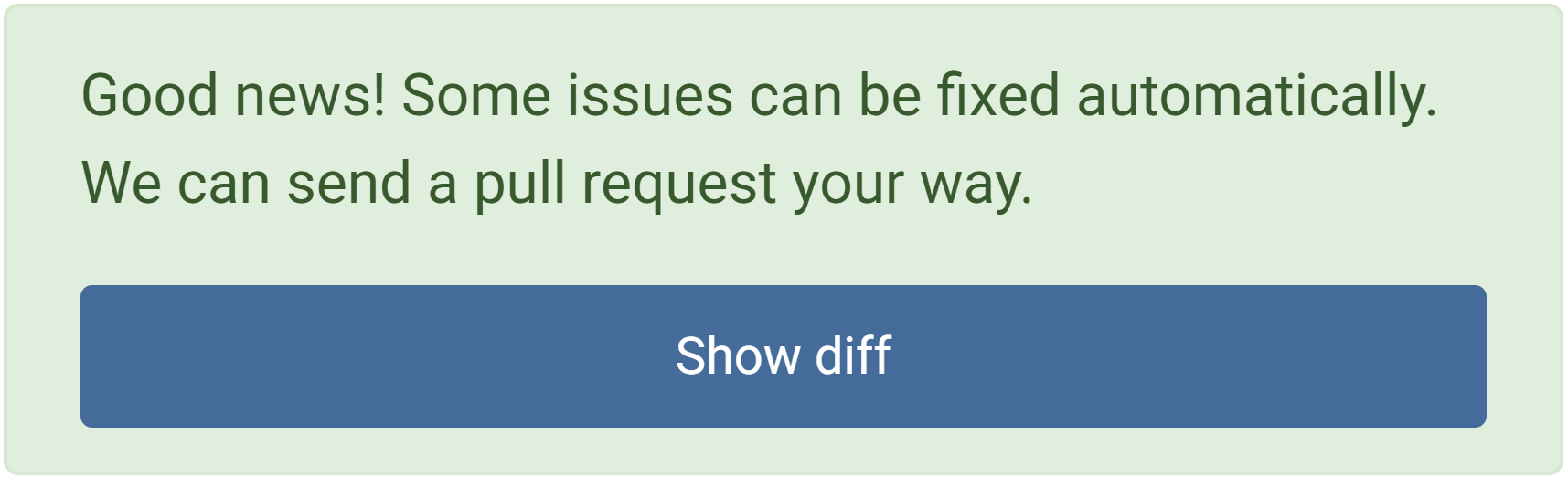
Generate a pull request
Currently, Autofix is available for JavaScript and TypeScript, with support for more languages and rule sets on the way. If there’s a particular language or rule family you’d love to see next, reach us at support@codeac.io.
After clicking Show diff, a modal will appear where you can set the pull request title and choose the source branch. The target branch for the pull request will be the one you're currently viewing in the Codeac UI.
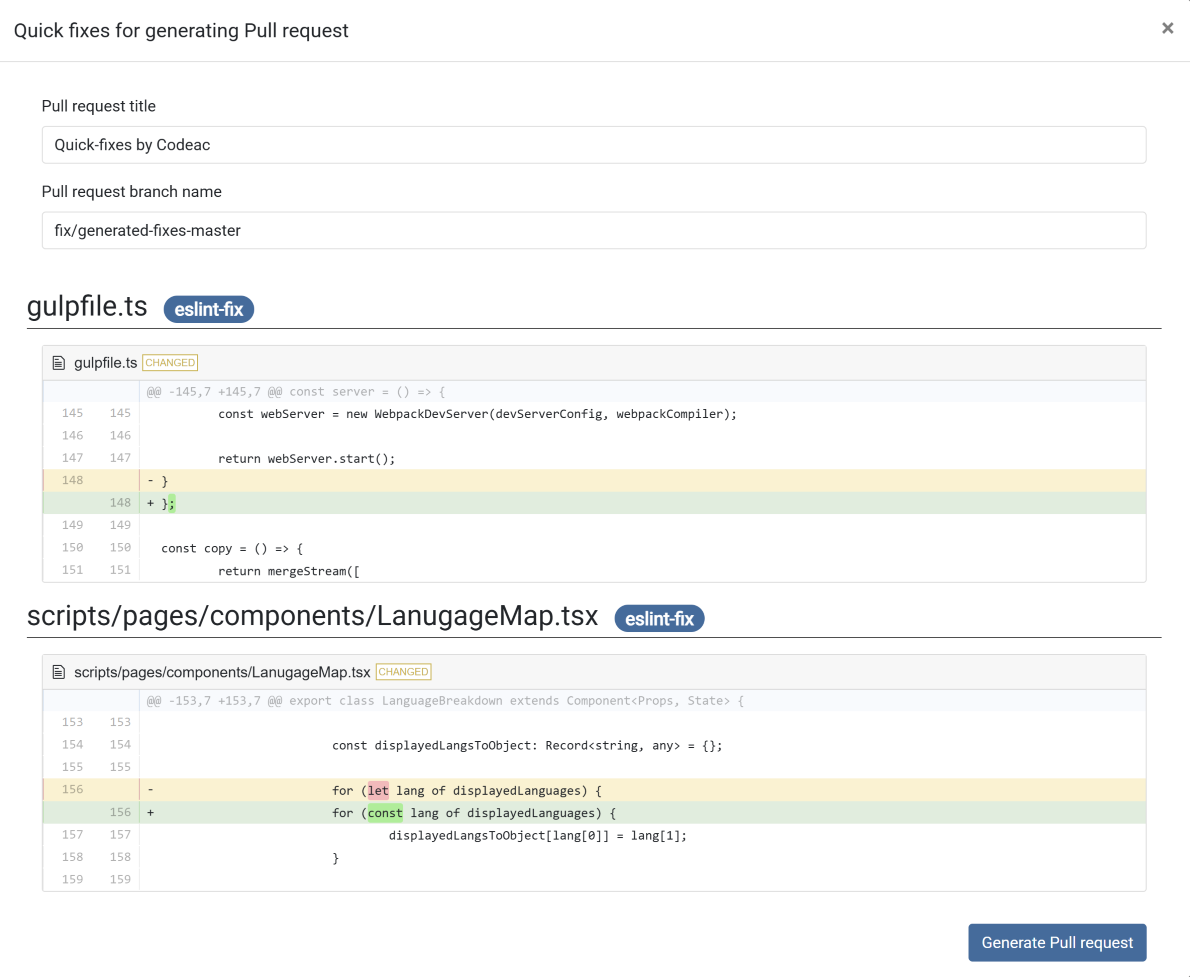
After reviewing the changes, you can click Generate Pull request button to create a pull request.
Once you click Generate Pull request, Codeac will begin creating the pull request. This may take a few seconds. Afterward, you can find the new pull request in the Pull Requests tab of your VCS.
Supported Linters
- ESLint